
Choose a product ID format
Google identifies each product by its id. If the ID changes, Google treats the product as brand new: it loses its reviews, impressions, clicks and conversions history, and has to be approved again from scratch.
Set the format in Settings → Tracking & Identifiers → Product ID format, before your first sync. Once products have been published, the choice is locked and the section shows “Locked — this shop has already synced products to Google Merchant Center.”
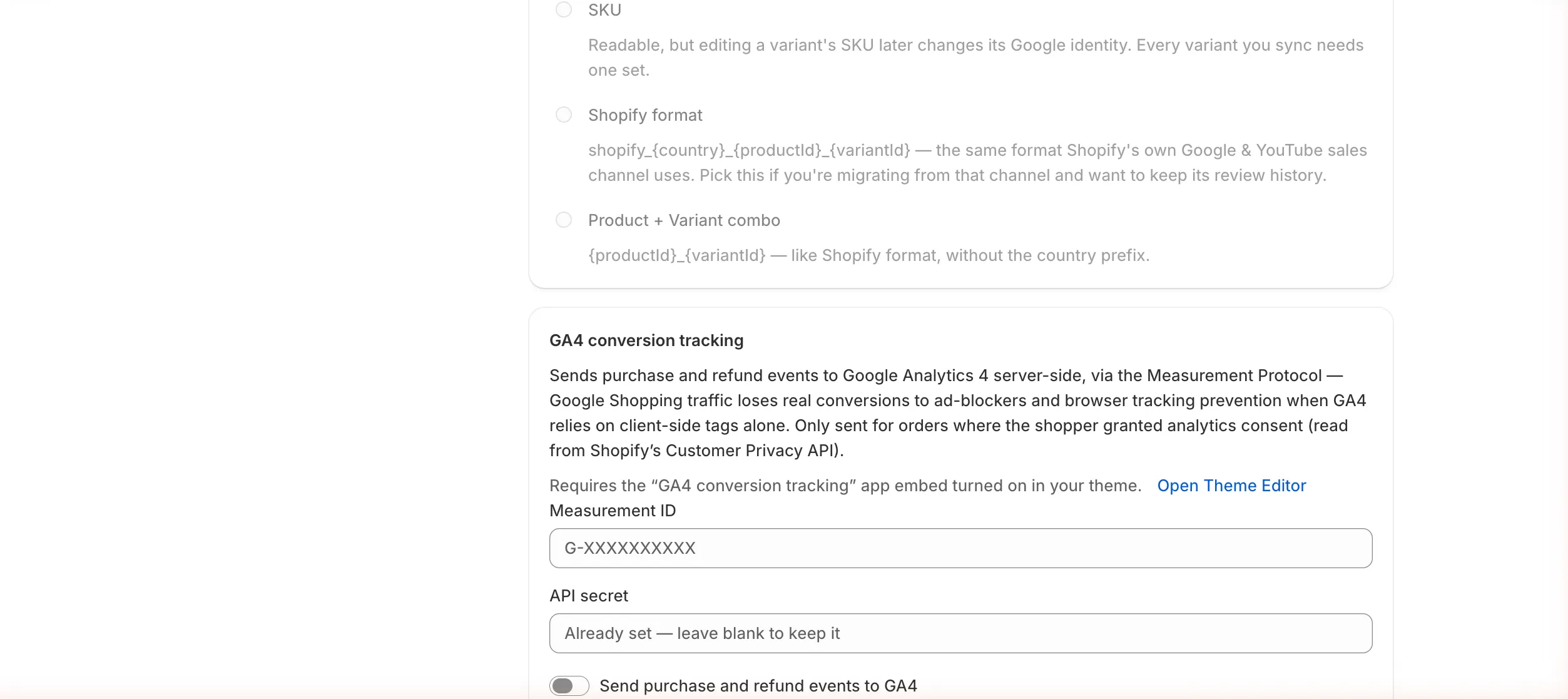
| Format | Example ID | Choose it when |
|---|---|---|
| Variant ID (recommended) | 44012345678901 |
You’ve never submitted these products to Google before. The Shopify variant ID never changes, even if you edit the SKU. |
| SKU | TEE-BLU-M |
Your previous feed app used SKUs as IDs. Every variant must have a SKU, and changing a SKU later changes its Google identity. |
| Shopify format | shopify_US_8123456789_44012345678901 |
You’re moving from Shopify’s own Google & YouTube sales channel and want to keep its history. |
| Product + Variant combo | 8123456789_44012345678901 |
Your previous app used product ID + variant ID without the country prefix. |
Next: create your first feed.